
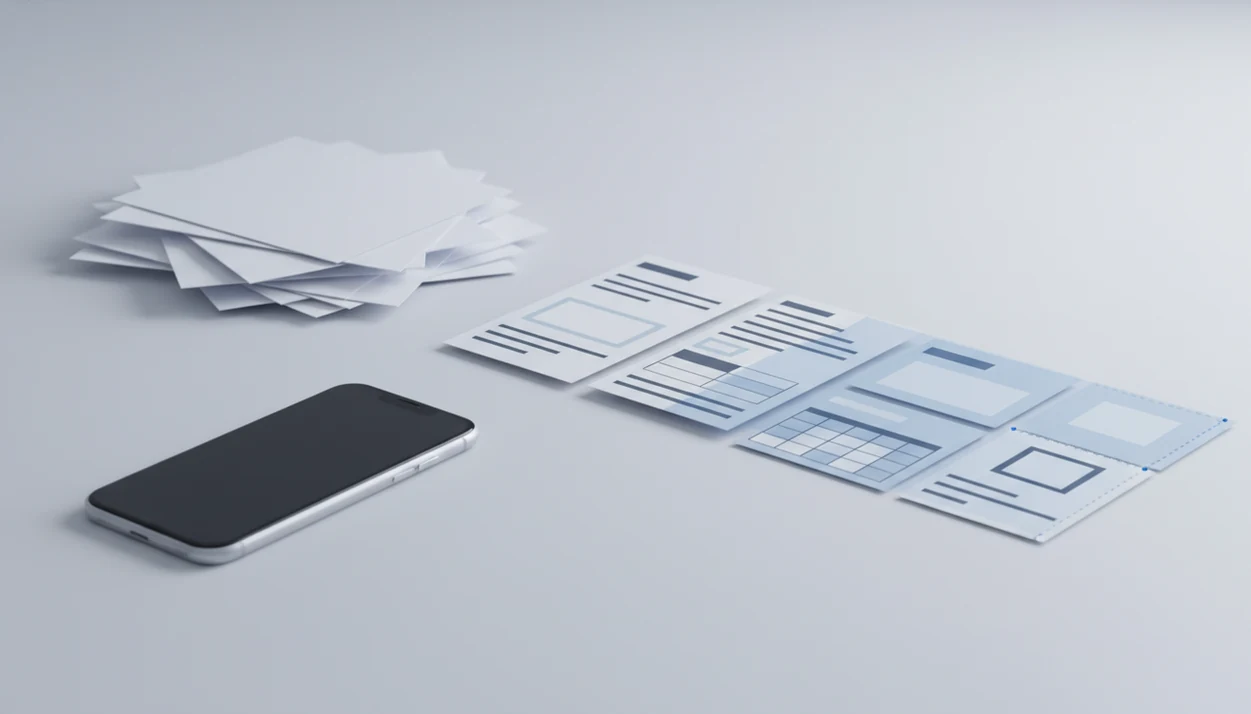
> Definition: A PDF to Word converter app is a mobile tool that transforms non-editable PDF files into editable.docx Word documents using text extraction or OCR so users can change content, copy text, and reuse layouts.
At a Glance: What a PDF to Word Converter App Does
A PDF to Word converter app converts a fixed PDF into a.docx file you can edit on a phone or tablet. It works best when the source file already contains selectable text, but scanned documents can also convert through OCR.
PDF Converter AI App is useful when `LeaseAddendumFinal.pdf` needs two clauses changed before it goes back to a broker. The converted copy opens as a Word file, while the original PDF stays separate.
If your priority is quick mobile editing, the workflow fits because it combines PDF to Word, OCR, Excel export, image export, merge, split, and compress tools in one workflow. Good AI PDF converter apps convert documents into usable formats, not guaranteed replicas of every font, margin, and graphic.
5 Facts About Converting PDF to Word on Mobile
- Digital PDFs usually convert more cleanly. A PDF made from Word already has a text layer, so the app can extract characters, spacing, and positions more directly.
- Scans need OCR. A scanned page is an image first, so OCR must identify letters before Word can edit them.
- Complex pages shift. Multi-column reports, nested tables, stamps, signatures, and floating graphics often need manual cleanup after conversion.
- All-in-one tools reduce switching. A good all-in-one converter also covers Excel extraction, image export, merge, split, and compression, which matters when one packet needs several fixes.
- Privacy and size limits matter. Sensitive contracts, large scans, and cloud processing should be checked before upload or conversion.
The gray shadow near a book spine still causes trouble. Tilted text does too.
For layout-heavy files, review our pdf to word layout preservation guide before assuming the converted DOCX is final.
How PDF to DOCX Conversion Works Behind the Scenes
PDF to DOCX conversion works by reading a fixed-layout document and rebuilding it inside Word’s reflowable document model. That structural mismatch is the main reason a converted file can look slightly different, even when the text is correct.
Fixed Layout vs Reflowable: Why Layouts Shift
A PDF stores text, images, fonts, coordinates, and drawing instructions in fixed positions. Word uses paragraphs, styles, tables, and flowing text that changes with screen size and margins. A parser extracts text layers, font clues, and object positions, then rebuilds them as Word elements.
Custom fonts can substitute. Vector graphics may flatten. Embedded images often remain images, not editable shapes.
AI Parsing vs Classic OCR for Scanned PDFs
Classic OCR reads pixel-level image data and recognizes characters line by line. AI-driven parsing can also infer tables, forms, columns, and reading order, but it still depends on scan clarity.
OCR runs when a file is scanned, then maps recognized text into Word paragraphs. The most reliable mobile PDF to Word results usually come from clear digital PDFs or high-resolution scans with straight text.
How to Convert PDF to Word in PDF Converter AI App
Use this mobile workflow when you need a Word file without opening a laptop.
- Open PDF Converter AI App and tap the PDF to Word tool.
- Select your PDF from device storage, iCloud Drive, Google Drive, OneDrive, or the iOS Files app.
- Choose OCR if the document is a scan, photo, or image-only PDF.
- Tap Convert and wait for the app to process the file.
- Review the.docx output and download, save, or share the converted copy.
When the issue is a counteroffer PDF sent from a driveway, the PDF to Word workflow handles the first edit pass because the PDF to Word workflow keeps the original file and converted copy separate. For platform-specific steps, use the iPhone walkthrough for how to convert pdf to word on iphone.
When to Use a Mobile PDF to Word Converter
Use a mobile PDF to Word converter when the edit cannot wait for a desktop. That includes contract changes, scanned forms, meeting notes, receipts, and old PDFs that need to become new Word templates.
A 2022 IDC report commissioned by Adobe estimated that knowledge workers spend 2.5 hours per day searching for, editing, or preparing documents; cite the public Adobe/IDC report URL inline after the sentence, or remove the statistic if the source cannot be verified. That tracks with the real pattern: a muted video meeting on screen, a report open on the phone, and one paragraph that needs rewriting before the call ends.
People revising reports from Android can follow the dedicated guide on how to convert pdf to word on android.
What PDF to Word Looks Like in PDF Converter AI App
PDF Converter AI App presents PDF to Word as a direct mobile action: choose the file, confirm the format, use OCR if needed, and export the.docx. The same screen also supports Excel and image outputs, so a vendor spreadsheet extracted from PDF does not require another app.
On days your download folder is cluttered with drafts, batch conversion and file naming matter more than a flashy button. the workspace keeps merge, split, compress, and multi-format export nearby, which helps when one job includes both editing and cleanup.
A 2019 Forrester Total Economic Impact study commissioned by Adobe reported that digitizing document workflows can reduce document-related operational costs by up to 30%; add the Forrester or Adobe-hosted study URL inline after the claim.
Common Myths About PDF to DOCX App Conversion
The biggest myth is that any PDF can become a pixel-perfect Word file. Simple digital PDFs often convert well, but brochures, custom fonts, legal stamps, and dense tables can shift.
Another myth is that OCR always produces clean editable text. It can misread a low-resolution scan, a faint receipt, or a page photographed at an angle. Check the source document first.
Privacy is not identical across every convert PDF to Word app. Some tools process locally, while others upload files for cloud conversion.
Images and vector graphics also do not automatically become editable Word objects. Many remain embedded pictures after conversion. If cost is the main concern, compare limits in our free pdf to word app guide.
PDF to Word App vs Online PDF Converters
A native mobile app is usually better for repeat phone workflows, while online converters are convenient for one-off browser uploads. The tradeoff is control: cloud-based tools may temporarily store files on remote servers, which matters for contracts and confidential packets.
| Option | Useful for | Watch out for |
|---|---|---|
| PDF Converter AI App | Mobile PDF to Word, OCR, merge, split, compress | Large files may still take time |
| ilovepdf.com | Quick browser conversion | Upload-based workflow |
| smallpdf.com | Occasional online PDF tasks | Free limits and cloud handling |
| adobe.com/acrobat | Broad PDF workflows | Account, cost, and platform fit |
Industry analysts have forecast wider enterprise adoption of document AI, but mobile users should still choose based on file sensitivity, retention policy, and repeat workflow rather than a single conversion button.
Related PDF Converter AI App Features
PDF to Word is often only one part of the document job. Use the pdf to excel converter app workflow when tables matter more than paragraphs. Merge tools help combine signed pages, exhibits, or receipt packets before sending. Compress tools help when Gmail or Outlook shows the red “attachment too large” banner. OCR features are useful when the source is a scan, photo, or image-only PDF that needs a searchable text layer before export.
Limitations
No PDF to Word app can guarantee a flawless DOCX for every file. These are the limits to check before relying on the converted document:
- Graphic-heavy PDFs, custom fonts, and complex tables may not keep exact layout.
- OCR accuracy drops with low-resolution scans, handwriting, tilted text, and uncommon languages.
- Large image-based PDFs may hit file-size or page-count limits on mobile.
- A phone storage warning can appear during a large compression or conversion job.
- Cloud-based processing may store documents temporarily, which can raise confidentiality concerns.
- Password-protected or restricted PDFs may require permission before conversion.
- AI converters cannot understand business rules, so complex forms may need manual redesign.
- Competitors such as pdf2go.com and sejda.com may handle some browser tasks well, but upload workflows can be awkward on small screens.