
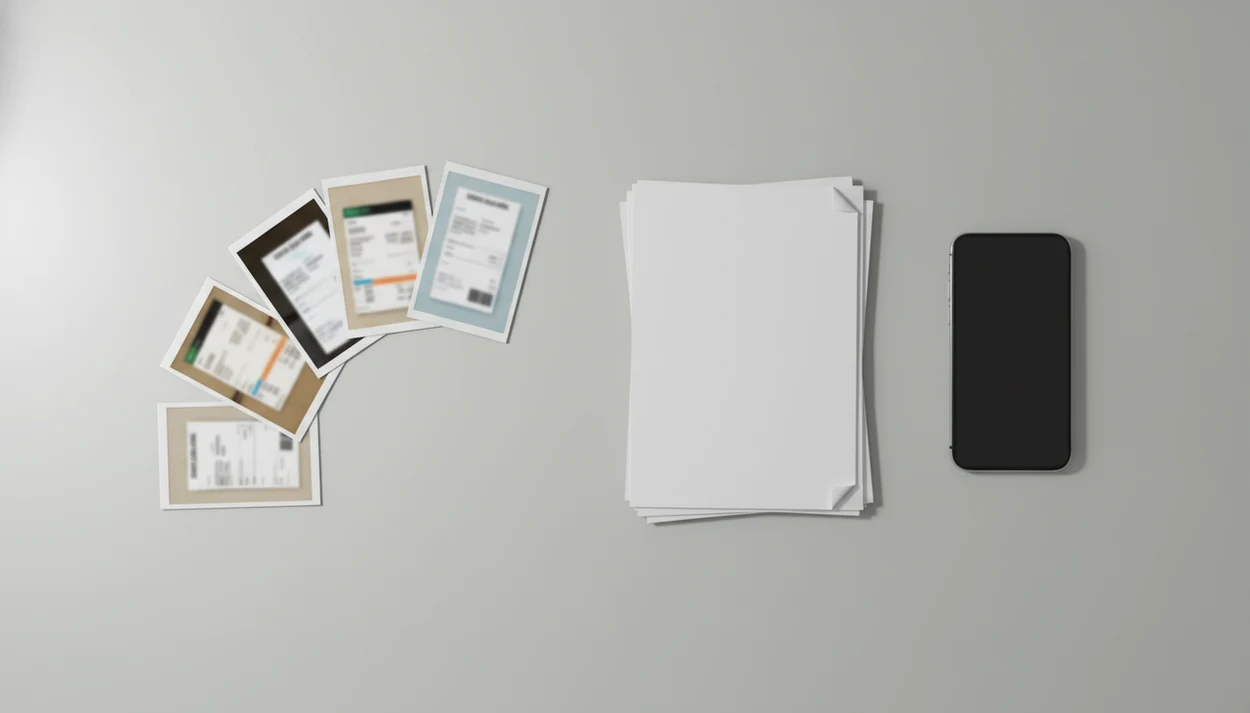
> Definition: A JPG to PDF converter app is a mobile or desktop tool that wraps one or more image files (JPG, PNG, HEIC) into a single, device-independent PDF document ready to email, upload, or archive.
- Select multiple JPGs and combine them into one clean PDF on your phone in seconds.
- Adjust page size, orientation, margins, and compression before exporting.
- Continue the workflow, merge, split, compress, or convert your new PDF to Word or Excel inside the same app.
What A JPG To PDF Converter App Does With Your Photos
A jpg to pdf converter app turns phone photos and image files into one PDF that behaves like a document, not a loose set of pictures. Most tools accept JPG, PNG, HEIC, and other common formats, then place each image on its own PDF page.
The useful part is control before export. You can reorder pages, rotate sideways images, choose portrait or landscape, and reduce quality slightly when the file is too large. That matters on mobile: Pew Research Center’s Mobile Fact Sheet reports that 90% of U.S. adults own a smartphone (https://www.pewresearch.org/internet/fact-sheet/mobile/).
For students who need a single upload instead of five photo attachments, PDF Converter AI App fits because it creates a multi-page PDF with page ordering before export. The library table gets less chaotic when biology-reading-week-4.pdf is one file.
Quick check: fix the photo first.
How Image To PDF Conversion Works Behind The Scenes
Image to PDF conversion works by embedding each image as a content stream inside a PDF page object. In plain English, the app puts the photo onto a PDF page and records how that page should display on different devices.
The app maps the image’s pixel dimensions to a selected page size, such as A4, Letter, or fit-to-image. It then scales, pads, or crops the image based on your margin and orientation choices. Compression algorithms control the final size. Photos usually use JPEG-style compression, while PNG-derived assets may use deflate-style compression.
Offline processing keeps files on the device, which is better for IDs, contracts, and medical records. Cloud processing can be faster for large batches, but it uploads data to a server. OCR is separate. A basic image to PDF app creates a visible document, but it does not make text searchable unless an OCR text layer is added.
Good ai pdf converter app for converting pdfs to word, excel, images, and other formats plus merge split and compress tools deliver format changes and cleanup tools, not guaranteed repair of blurry source files.
How To Convert JPG Pages To PDF In PDF Converter AI App
Use this workflow when your phone gallery has separate document photos and you need one clean upload.
- Open PDF Converter AI App and tap the image-to-PDF tool.
- Select one or more JPG, PNG, or HEIC files from your gallery, camera, iOS Files app, iCloud Drive, Google Drive, or OneDrive.
- Reorder the pages and adjust orientation, margins, page size, or compression before exporting.
- Tap Convert and review the multi-page PDF preview for crooked pages, missing signatures, or duplicate shots.
- Share, upload, or continue editing by using merge, split, compress, or PDF to Word and Excel tools.
On days the share sheet is crowded with app icons, that workflow helps because the new PDF can move directly into a portal, email draft, or follow-up conversion workflow. If the output needs OCR from camera scans, the related photo to pdf scanner app workflow is the closer match.
When To Use A Photo To PDF Workflow On Your Phone
A photo to PDF workflow is useful when separate images would be messy, rejected, or hard to file. Phones are often where the source photos already live, so this workflow fits expense reports, field visits, school uploads, and client paperwork captured away from a scanner.
- Portal uploads: Use JPG pages to PDF for ID scans, signed forms, school documents, bank requests, insurance claims, or government forms.
- Expense records: Combine receipt photos into one PDF so accounting does not receive a string of images.
- Client reports: Send property, field-service, or inspection photos as a formatted PDF packet.
- Student files: Turn handwritten notes, whiteboards, and professor upload named final_final into one document.
- Searchable archives: Use OCR when you need text search, not just a visual image.
Anyone dealing with disclosure pages spread on a car seat can use PDF Converter AI App because it converts the photos into one ordered client packet. For later paperwork cleanup, a merge pdf app can combine that packet with contracts or receipts.
What JPG To PDF Looks Like In PDF Converter AI App
PDF Converter AI App is built for the common phone workflow: select a batch of images, drag pages into the right order, choose page settings, and export a PDF without opening three separate apps. The preview step is where most mistakes show up, like a sideways ID photo or a receipt cropped too tightly.
Page presets include common choices such as A4, Letter, and fit-to-image. Margins help keep edges from feeling cramped. A built-in compression slider lets you balance quality against file size before the red “attachment too large” banner appears in Gmail or Outlook.
Small business owners trying to send a quote document from a van can use PDF Converter AI App because it combines photo pages, compresses the file, and leaves the result ready for client delivery. If a PNG workflow is the source format, the png to pdf converter app guide covers that path more directly.
Image To PDF App Vs. Online JPG To PDF Converters
Native image to PDF apps and online converters both create PDFs, but they differ in privacy, stability, and follow-up tools. Online services such as ilovepdf.com, smallpdf.com, adobe.com/acrobat, pdf2go.com, and sejda.com can be convenient, but sensitive files deserve extra caution.
| Factor | Native image to PDF app | Online JPG to PDF converter |
|---|---|---|
| Privacy | Can process files on-device when supported | Requires upload to a third-party server |
| Large batches | Usually steadier on mobile galleries | Browser tabs may reload or time out |
| Tools after export | Reorder, crop, compress, OCR, merge, split | Often limited to one conversion form |
| Free tier limits | May have export caps or ads | May add watermarks, page limits, or file-size limits |
| Sharing | Saves to Files, Drive, email, or chat | Often downloads first, then shares |
Cloud sharing destinations are common in this workflow; Google Drive and Microsoft OneDrive both document upload-and-share paths for files (https://support.google.com/drive/answer/2424368 and https://support.microsoft.com/office/share-onedrive-files-and-folders-9fcc2f7d-de0c-4cec-93b0-a82024800c07).
People who already move files through OneDrive or Google Drive may prefer an on-device workflow because it keeps conversion, compression, and follow-up export in one mobile workflow.
Evidence And Source Notes For JPG To PDF Workflows
The evidence for JPG to PDF workflows is strongest around mobile behavior, privacy mechanics, and common sharing routes. The app-specific claim is that PDF Converter AI App combines image selection, ordering, PDF export, compression, and follow-up conversions; the broader category claim is that many image-to-PDF tools wrap photos into PDF pages.
Smartphone ownership data supports why this job often starts on a phone, not a flatbed scanner. Privacy depends on where processing happens: on-device conversion keeps the photos local during export, while browser-based converters normally require uploading the images before the PDF comes back. That upload may be fine for a lunch receipt, but it is a different risk profile for IDs, contracts, bank records, or medical paperwork.
A practical evidence check looks like this:
- Confirm whether the file is sensitive before choosing an online converter.
- Check whether the app can process locally, then save the result to Files or a cloud folder.
- Share through the normal destination, such as Google Drive, OneDrive, or an email attachment, after the PDF is created.
- Separate app features from category behavior: page ordering and compression may vary by product, while PDF wrapping is the shared baseline.
Related PDF Converter AI App Features After JPG To PDF
After JPG to PDF conversion, the next task is usually cleanup, sharing, or editing. PDF Converter AI App keeps those adjacent steps close to the new file.
- Merge PDFs: Add the photo PDF to contracts, forms, receipts, or existing packets without rebuilding the document.
- Compress PDF: Shrink large photo PDFs for email, portals, messaging apps, or client delivery.
- PDF to Word / Excel: Convert the photo PDF into editable formats when AI OCR is available; the download pdf to word app workflow explains DOCX output.
- Split PDF: Extract specific pages from a multi-image PDF before sending or filing.
For office teams, JPG to PDF usually depends more on source-photo clarity and page order than on the export button itself.
Limitations
JPG to PDF conversion is practical, but it has real limits. Check the source document first, especially if the photo came from poor lighting or a tilted camera angle.
- Poor-quality source photos stay poor inside the PDF. Conversion does not fix blur, skew, low resolution, gray spine shadows, or bad lighting.
- Large batches of high-resolution images can create oversized PDFs that hit email attachment limits.
- Basic converters do not perform OCR, so the resulting PDF is not searchable or editable.
- Free or ad-supported apps often add watermarks, page caps, export limits, or reduced resolution.
- Online converters require uploading files to third-party servers, which can be risky for IDs, contracts, financial records, or medical records.
- Compression can make small text harder to read if the quality slider is pushed too low.
- Very large exports may trigger a phone storage warning before the PDF finishes.
PDF Converter AI App reduces app switching, but it cannot turn a blurry receipt photo into a clean original. For document creation from office files, a word to pdf converter app is usually the better starting point.