
Free PDF Converter Security Risks And Safer Checks
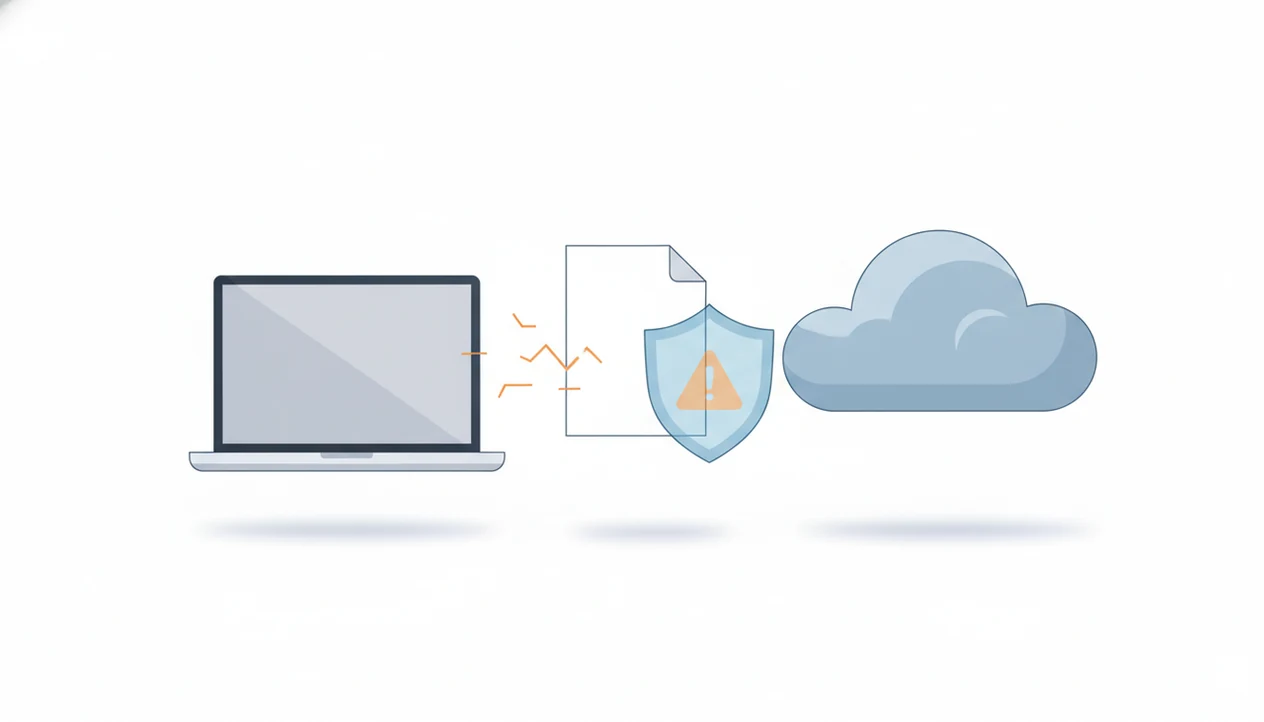
Free pdf converter security depends on whether the site or app is trustworthy, what document you upload, how files are stored, and whether the converted download is safe. Avoid uploading sensitive PDFs to unknown free converters, and treat forced downloads, browser extensions, vague deletion claims, and look-alike domains as red flags.
This guide is a consumer security checklist, not a forensic audit or legal opinion. If a sensitive file was uploaded to a suspicious converter, treat the event as a possible data exposure and follow your organization’s incident process.
> Definition: Free PDF converter security is the practice of checking whether a PDF conversion site or app can safely handle uploads, downloads, permissions, storage, deletion, and privacy before you trust it with a document.
TL;DR
- Do not upload IDs, contracts, bank statements, health records, or confidential work files to unknown free PDF converter sites.
- Check the domain, HTTPS, ownership, privacy policy, file deletion terms, permissions, and download behavior before using any converter.
- Use reputable tools, offline conversion when needed, and scan converted files before opening them.
Free PDF Converter Security At A Glance
Free PDF converters are not automatically unsafe, but unknown converters can create malware exposure, privacy risk, and bad downloads. The fastest rule is simple: low-sensitivity files may be acceptable after checks; sensitive PDFs should not go to unknown services.
A public event flyer, blank form, or school handout is different from `LeaseAddendumFinal.pdf` with signatures and addresses. The same tool can be fine for one and wrong for the other. If the page asks for a browser extension, installer, or unrelated mobile permission, stop before upload.
Free AI PDF converter apps for converting PDFs to Word, Excel, images, and other formats plus merge, split, and compress tools should deliver practical file handling, not a promise that every upload is safe for every document.
Tools like PDF Converter AI App can be useful for everyday mobile conversion, but document sensitivity still decides the safer workflow.
How Free PDF Converter Security Works Behind The Scenes
Free PDF converter security depends on the data path: upload, server processing, OCR or extraction, temporary storage, conversion, and download. Each step can expose file contents, metadata, or converted copies if the service is malicious or poorly controlled.
With cloud conversion, your PDF leaves your device and reaches a third-party server. The tool may extract text, rebuild layout, compress images, or add an OCR text layer. In plain English, the converter may read more than the visible page. A scanned page with gray shadows near the spine and tilted text can be processed line by line, especially when OCR is enabled.
AI and OCR features can expand the privacy footprint because more document text may be analyzed. That does not make them unsafe by default. It does mean you should check the source document first and decide whether server processing is acceptable. The offline vs cloud pdf converter tradeoff matters most for contracts, regulated files, and workplace records.
5 Free PDF Converter Risks Readers Should Know
These are the five free PDF converter risks that matter most before upload or download.
- Malware delivery: Unsafe converter pages, extensions, installers, or converted downloads can deliver malware, ransomware, browser hijackers, or spyware.
- Brand impersonation: Fake converter sites may copy known PDF brands, use similar domains, and imitate familiar interfaces closely enough to fool rushed users.
- Sensitive upload exposure: PDFs may contain personal, financial, medical, legal, or workplace data even when the filename looks harmless.
- Unverified deletion claims: “Deleted after one hour” does not prove logs, backups, extracted text, OCR output, or AI processing records were removed.
- Permission traps: Forced extensions, installers, command-line actions, notification prompts, or broad mobile permissions are major warning signs.
The share sheet crowded with app icons is where mistakes happen. You tap fast, send the wrong file, and only notice the patient name or account number after the upload finishes. For deeper warning signs, the fake pdf converter malware guide is worth reading before installing anything.
Unsafe PDF Sites And Look-Alike Converter Domains
“Are unsafe PDF sites easy to spot?” Not always. A high search result or paid ad does not prove a converter is safe, owned by the real brand, or careful with uploads.
Look for misspelled domains, copied logos, fake review badges, aggressive pop-ups, and workflows that make you download before showing a preview. Fake utility sites work because they match a real moment of urgency: the red “attachment too large” banner in Gmail, a printer tray holding warm pages, or a contract that must become a Word file before noon.
Cybersecurity authorities keep reporting large volumes of phishing, scam websites, and social-engineering attacks. The FBI IC3 received 880,418 cybercrime complaints in 2023, with reported losses above $12.5 billion (FBI IC3 2023 Internet Crime Report). Verizon’s 2023 breach reporting also found that most breaches involved a human element, including social engineering and user-driven actions (Verizon 2023 DBIR). Search visibility is not a security review.
Converter Privacy Risk By Document Type
Converter privacy risk changes by document type, not just by tool. A converter that is acceptable for a public flyer may be unacceptable for a passport scan or confidential work packet.
| Document type | Typical risk | Upload to unknown free converter? |
|---|---|---|
| Public flyer or brochure | Low | Usually acceptable after basic checks |
| Class handout or public article | Low | Usually acceptable |
| Resume | Medium | Use caution; remove unnecessary personal details |
| Invoice | Medium to high | Avoid if it includes account, tax, or client data |
| Contract or lease | High | Do not upload to unknown tools |
| ID, passport, or driver license | Very high | Do not upload |
| Bank statement or tax file | Very high | Do not upload |
| Health record | Very high | Do not upload |
| Confidential work PDF | Very high | Do not upload without approved tools |
For sensitive documents, offline conversion or an approved business tool is often safer than a random web converter because the file path is easier to control. The practical decision rule is binary: if exposure would cause harm, do not upload it to an unknown service.
Safer Checks For Free PDF Converter Security
Use these checks before you upload a PDF or open a converted file. Security teams generally recommend verifying identity, reducing unnecessary permissions, and keeping protective software updated.
Domain check: Confirm HTTPS, the exact domain spelling, and whether the company identity is visible. A missing support contact is not proof of danger, but it is a bad sign.
Policy check: Read the privacy policy and file deletion language. If deletion timing is vague, treat the upload as retained. The pdf converter file deletion page explains why “temporary” can still involve logs or backups.
Permission check: Reject tools that require browser extensions, unrelated installers, excessive mobile permissions, or scripts. Phone apps should not need contacts or location to convert `biology-reading-week-4.pdf`.
Download check: Scan converted files before opening them, and keep your browser and antivirus protection updated.
How to use a free PDF converter more safely:
- Classify the file before upload as public, personal, confidential, or regulated.
- Verify the domain and reject look-alike names, forced extensions, and installer-only workflows.
- Read the storage terms for deletion timing, logging, OCR, and AI processing.
- Convert a low-risk file first if you are testing a new tool.
- Scan the download before opening or forwarding the converted copy.
Common Myths About Free PDF Converter Risks
First-page search results are not automatically safe. Search engines and ad platforms can surface useful tools, but ranking is not the same as malware review, privacy audit, or ownership verification.
Mac, Linux, and mobile users are not immune. A bad converter can still steal uploaded data, push a malicious profile, hijack browser settings, or trick the user into approving an unsafe download. Different platform. Same bad decision point.
Automatic deletion also has limits. A site may remove the converted file from a download link but still retain server logs, crash records, extracted text, backups, or abuse-review copies. That is why deletion wording deserves a close read.
AI-powered converters are not automatically more secure. OCR, summarization, and extraction can process more text than a basic format change. If the vendor does not explain retention and training use, “AI” is a feature label, not a safety guarantee. For upload-specific judgment, read is it safe to upload pdf to converter.
PDF Converter AI App And Everyday Mobile Conversion Trust
A mobile PDF converter app should convert PDFs to Word, Excel, images, and other formats without asking for permissions unrelated to document handling.
In everyday use, a mobile PDF converter can help turn a PDF into an editable Word file, export tables to Excel, create JPG or PNG images, merge files, split page ranges, compress a large attachment, rotate pages, reorder scans, or add OCR to a searchable PDF. Think inspection report opened at a showing, keys jingling during file upload, with cellular data doing the work.
No app is risk-free for every file. Match the tool to the document. A public handout can be handled differently from a signed lease, a bank statement, or a regulated workplace PDF. For business use, a pdf converter app for business should fit company approval rules, not bypass them.
When To Get Security Or Legal Help
Get help when the uploaded file could harm a person, client, employer, or regulated process if exposed. Also escalate if the converter pushed an installer, browser extension, mobile profile, or any permission that changed your device.
If this was a work file, do not quietly delete the evidence and hope for the best. A contract packet, client tax PDF, patient form, payroll report, or internal spreadsheet may trigger company incident rules. Personal identity documents need a different response, focused on account protection and identity-theft prevention.
- Preserve the details before cleanup: converter URLs, filenames, upload and download times, emails, receipts, screenshots, and any installed item names.
- Contact IT or security if the file belonged to your workplace, client, school, healthcare provider, law firm, or any regulated process.
- Disconnect and scan the device if you installed software, approved an extension, accepted a configuration profile, or saw unusual browser behavior.
- Use identity-theft steps if passports, IDs, tax files, bank records, or Social Security details were involved.
- Ask legal or compliance teams before notifying clients, patients, customers, regulators, or business partners.
Limitations
Security checks reduce risk, but they cannot prove everything from the outside. Treat unknown converters as unverified systems, especially when documents include private or regulated information.
- HTTPS protects transfer between your browser and the site, but it does not prove safe backend storage, deletion, employee access, or subcontractor handling.
- Antivirus and browser protections cannot catch every new malware variant, especially fresh download campaigns and disguised installers.
- Offline tools remove server upload risk, but they do not remove risk from infected files, trojanized apps, or unsafe installer sources.
- Deletion, zero-log, and AI security claims may not be independently audited or easy for users to verify.
- Cloud AI PDF conversion may be unsuitable for regulated documents without contracts, admin controls, retention terms, and compliance safeguards.
- App store availability is useful context, but it does not replace checking permissions, developer identity, update history, and cloud processing behavior.
Phone storage warnings during large PDF compression jobs are annoying, but they are visible. Backend retention is harder. That is the point.
FAQ
Are free PDF converters safe?
Some free PDF converters are safe enough for low-risk files after basic checks. Unknown converters should not be trusted with sensitive PDFs.
Can PDF converters give viruses?
Yes. Malware can come from fake sites, infected downloads, forced browser extensions, unsafe installers, or suspicious converted files.
Is online PDF conversion private?
Online PDF conversion sends your file to a third-party server. That creates privacy risk unless the provider has clear storage, deletion, and processing terms.
Which PDFs should I not upload?
Do not upload IDs, passports, bank statements, tax files, medical records, contracts, legal files, or confidential work PDFs to unknown converters.
Does HTTPS make converters safe?
HTTPS protects the file while it travels between your device and the site. It does not prove trustworthy storage, deletion, ownership, or backend handling.
Are PDF converter apps safer?
PDF converter apps can reduce some website risks, but they still require vendor trust, sensible permissions, and clarity about cloud processing. Match any app to the sensitivity of the document before upload or conversion.
Can converted files contain malware?
Yes. Scan converted files before opening them, especially if the site forced an installer, extension, or unusual download step.
Are AI PDF converters secure?
AI PDF converters are not automatically more secure. AI and OCR features may process more document text, so retention and privacy terms matter.
How do I spot unsafe PDF sites?
Watch for look-alike domains, copied logos, forced installers, vague privacy policies, aggressive pop-ups, and excessive permissions. If the workflow feels wrong, use another tool.